Convenient Android Access
The app-style format can make it easier to return to 3U3U3U through a dedicated mobile icon instead of repeatedly opening browser tabs.
 Register
This 3U3U3U App page helps Philippines users understand the Android APK download and installation process before accessing the platform on a mobile device. It covers official-source checks, phone permissions, account sign-in, mobile navigation, update habits, and practical security reminders. Adults should also consider local rules and set personal limits before using any gaming-related service.
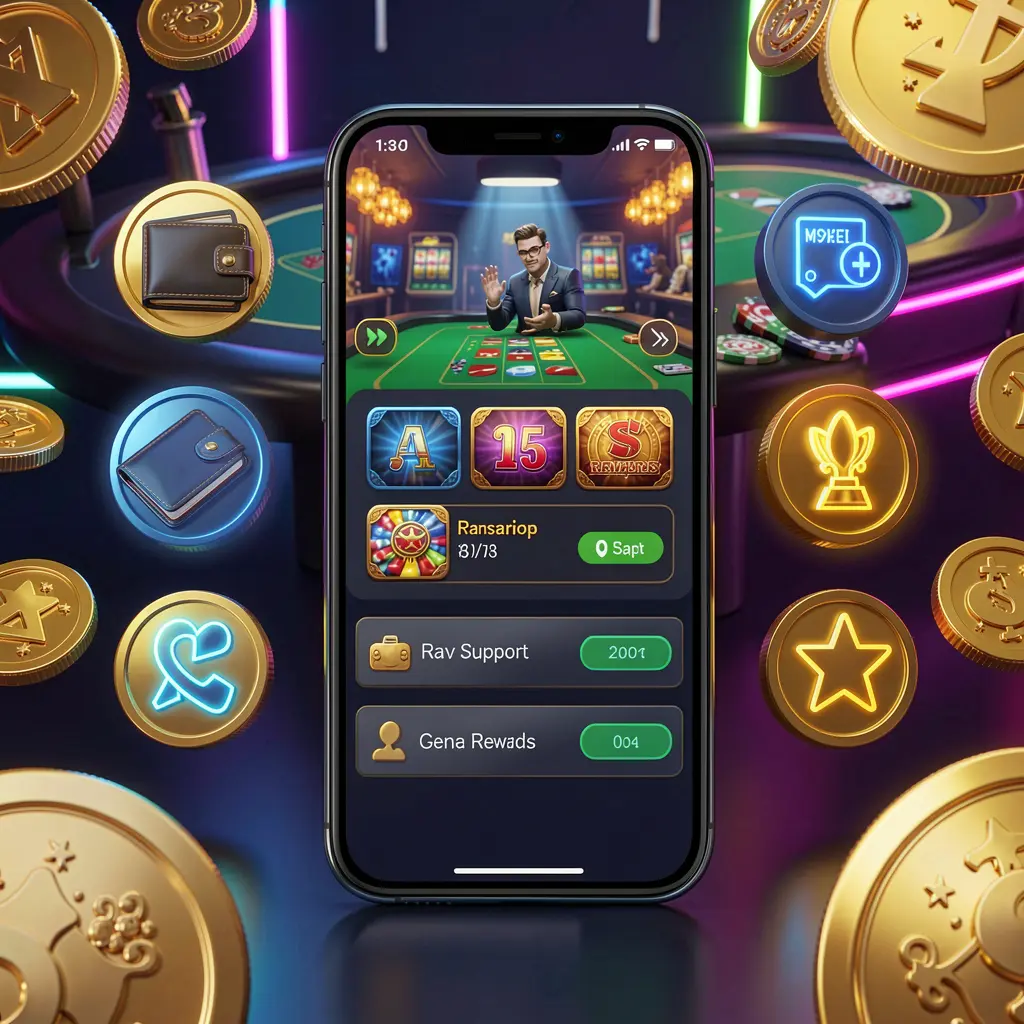
The 3U3U3U App is an Android mobile access option for users who prefer an app-style layout over opening the platform in a browser. It can place account tools, platform categories, support options, and settings within easier reach on a phone.
For users in the Philippines, mobile access should be simple without overlooking safety. Before installing an APK, check the download source, review requested permissions, protect account credentials, and make sure the activity is appropriate and permitted in your location.
The 3U3U3U App may help adult users access their account, view platform pages, review available promotions, and manage basic settings from an Android device. Install only from an official source, read applicable terms, and avoid treating gaming as income.
The app-style format can make it easier to return to 3U3U3U through a dedicated mobile icon instead of repeatedly opening browser tabs.
A clear mobile layout should help users find profile settings, account details, platform notices, and support links without unnecessary navigation.
Users may view campaign pages through the app, but should always check conditions, eligibility requirements, expiry details, and other relevant terms first.
Using an official APK source, unique password, current phone software, and private connection can reduce avoidable mobile account risks.
APK installation requires care because Android may allow files outside the usual app store process. Download only after confirming the official 3U3U3U source, and stop if the page, file name, or permission request appears unusual.
Open the official 3U3U3U website using your Android browser and locate its app or download section. Avoid APK links from unknown chat accounts, social posts, copied domains, or unverified file-sharing pages.
Choose the Android download option and allow the file to finish downloading. Check that the file is from the expected source before opening it, and do not install older or duplicate files from elsewhere.
Android may ask you to allow the browser or file manager to install unknown apps. Grant this permission only when needed for the APK installation, then disable it again once the process is complete.
After installation, open the 3U3U3U App and sign in using your own account details. Review the app interface, profile settings, security options, and platform terms before using any account-related feature.
These simple checks can support smoother Android installation and more careful mobile use.
Never share your password, one-time code, recovery details, or device screen with another person claiming to provide support. If a message requests sensitive information or directs you to a different APK, leave the conversation and verify information through the official platform channel.
Philippines users should review current local laws and personal eligibility before registering or using any online gaming-related platform. Availability can depend on location and circumstances, so users should not assume that an app download means every feature is suitable or allowed.
Gaming involves financial risk and should remain a controlled leisure activity for adults. Decide on a budget in advance, do not use essential funds, avoid chasing losses, and take a break if activity causes pressure, stress, or difficulty managing spending.
Common questions about downloading, installing, and using the 3U3U3U App on Android devices.
The 3U3U3U App is an Android APK-style mobile access option that can help users open platform pages, account settings, support areas, and other available features from a phone.
Visit the official 3U3U3U website on an Android device, find the app download area, and use the provided APK link. Avoid files sent through unknown messages or unofficial websites.
Download the official APK, allow installation from the browser or file manager if Android requests it, open the file, and follow the device prompts. Disable that permission again afterward.
Permission checks help you identify requests that may not be necessary for normal app use. If an APK asks for unusual access, pause installation and verify the source before continuing.
No. Gaming-related activity carries risk and cannot guarantee income or winnings. It should be approached only as adult entertainment where permitted, with clear personal limits.